Brushcritis in beta

Join the free beta and build fantasy maps right in your browser with hand-drawn, customizable artwork.

Sign up for beta

Welcome, and thanks for stopping by!

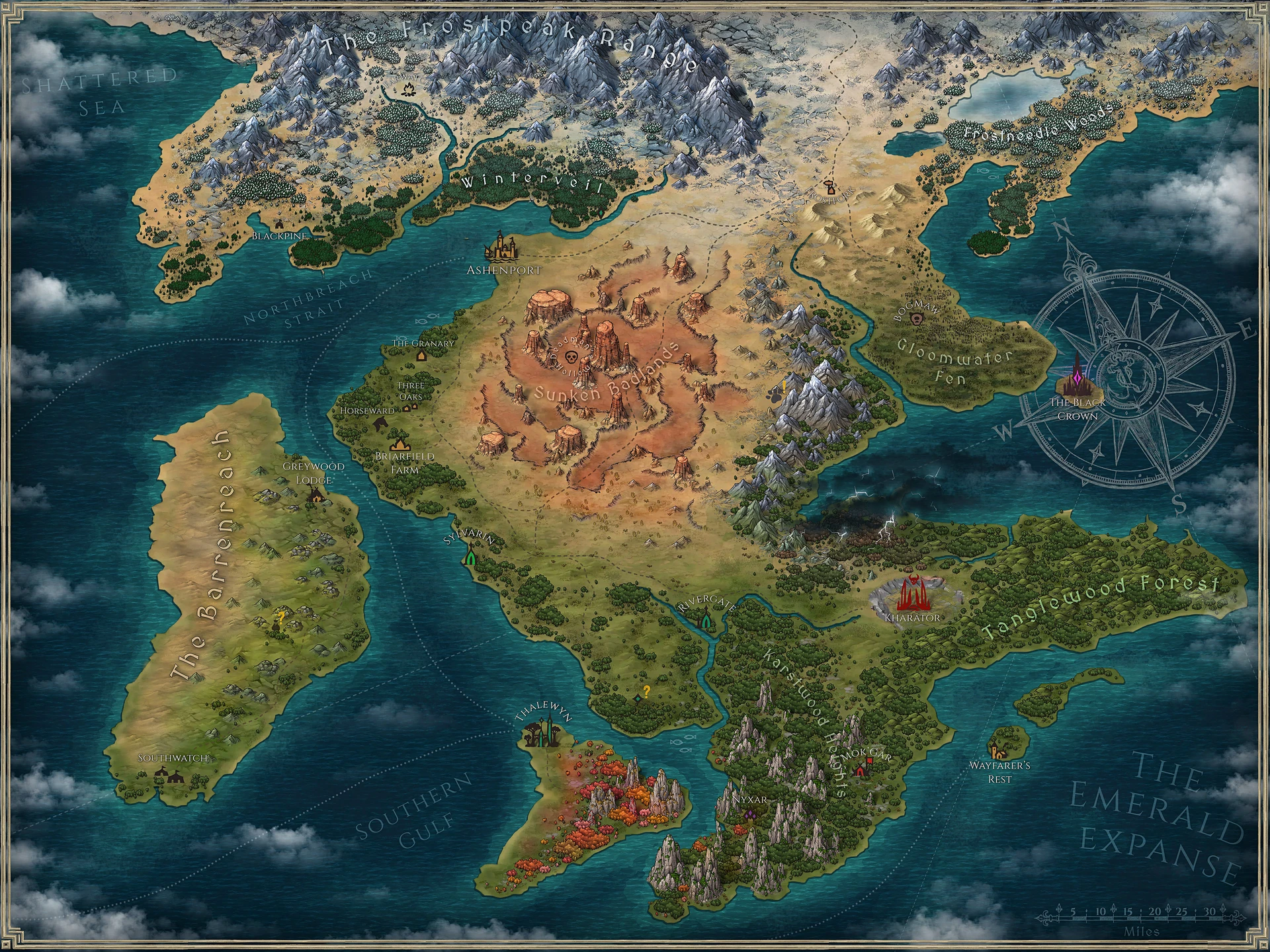
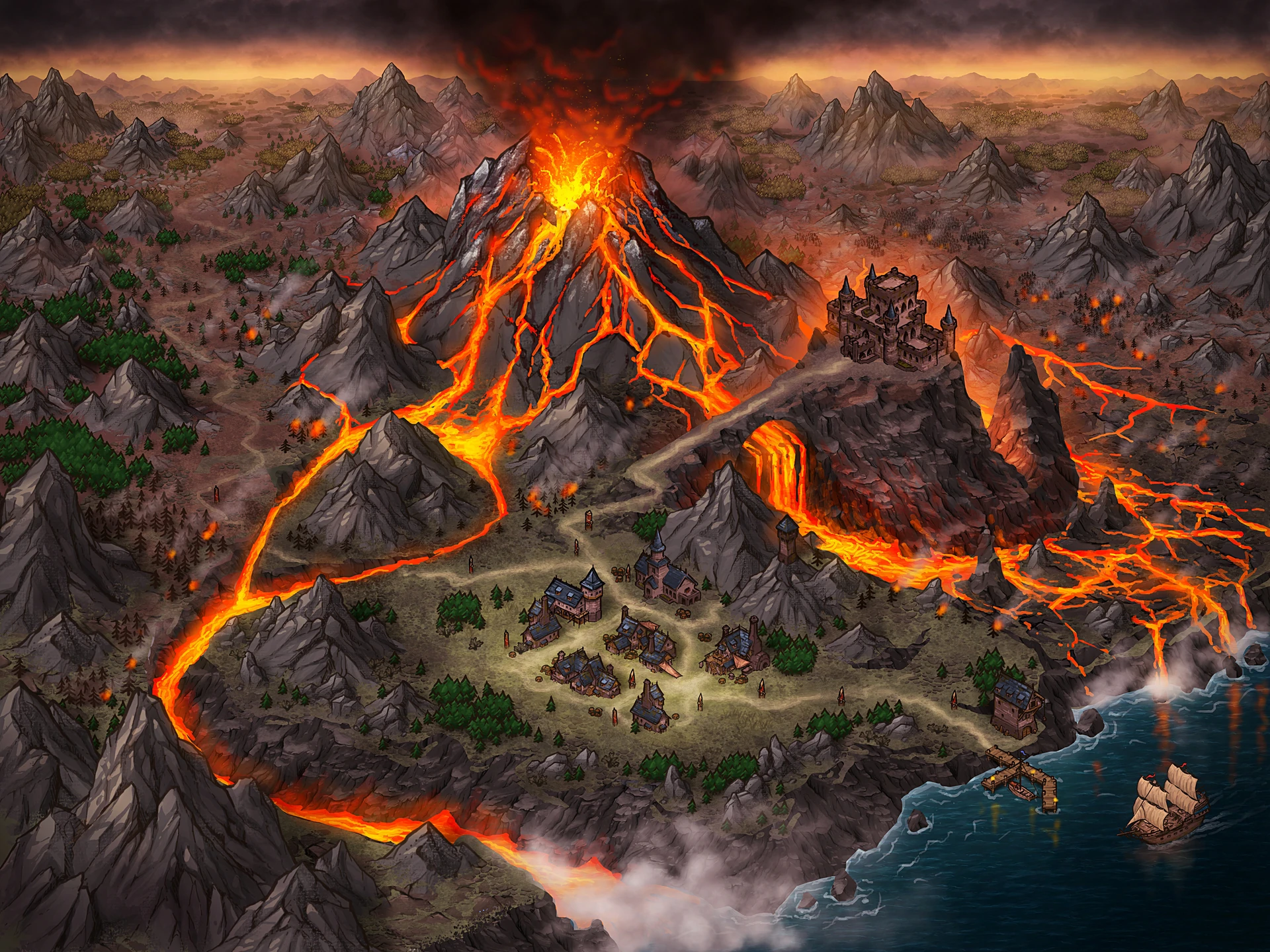
We’re a small team that’s been building Brushcrit as a side project for quite a while, and we’re excited to finally get it into your hands. You can make detailed world maps with hand-drawn artwork, customize them to make them your own, and export them for print or your virtual tabletop.

If this sounds like your kind of thing, sign up for beta. Beta testers also get access to a private Discord chat where you can talk about the app, tell us what art or features you’d love to see, and chat directly with the dev team.

You can also find us on Discord and Reddit.

Customizable objects

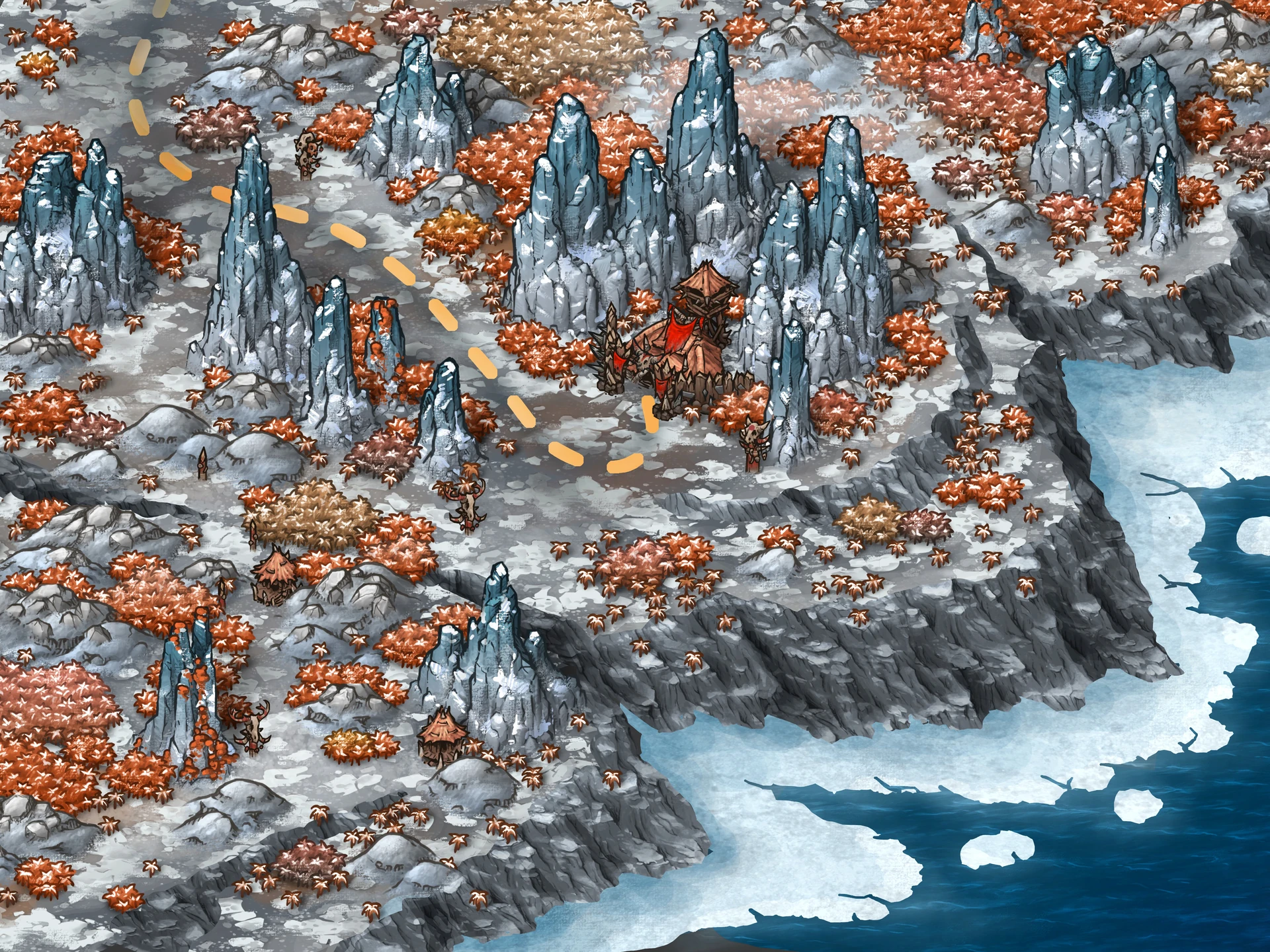
Objects are more than static stamps. Change parts, colors, and details to make them fit your world.

  • Blend mountains and rocks into the surrounding terrain.
  • Customize an orcish hut to fit your tribe.
  • Adapt trees and forests to different environments.
  • And countless other combinations.

Customizable textures

Textures are more than static images. Adjust texture details and colors to create the terrain you want.

  • Blend rugged, rocky terrain into sandy ground and other environments.
  • Create shallow water and deep seas from the same texture.
  • And countless other ways to turn terrain into art.

Versatile brushes

From broad landscapes to the smallest finishing touches, specialized brushes give you the tools to shape every part of your map.

  • Blend different terrain naturally.
  • Draw roads, rivers, trails, and other paths.
  • Add effects and finishing touches to bring your map to life.

Upscale your maps

Export your maps at much higher resolutions for printing, virtual tabletops, or simply sharper final images.

  • Adjust grid size and resolution for virtual tabletops.
  • Create high-resolution files ready for printing.

More coming soon

We’re constantly working on the app. Stay tuned for new features as BrushCrit grows.

Frequently asked questions

Is Brushcrit’s artwork AI-generated?

No. All Brushcrit assets are carefully designed and hand-drawn by artists.

What is Brushcrit?

Brushcrit is a browser-based mapmaking tool with highly customizable assets, built to help you create beautiful and functional maps for VTTs or printing.

What kinds of maps can I create?

The beta includes one World Map style with customizable, hand-drawn artwork. We plan to add more styles and map types over time.

How is it different from other mapmaking tools?

We’re focusing heavily on customizable assets and an intuitive interface. The goal is to make mapmaking smooth and approachable for beginners, while still giving experienced artists enough freedom to push their maps much further.

How do I get access to the beta?

Leave your email in the beta signup form. Our team reviews requests in batches, starting with the earliest signups. When you receive your invite, use the link in the email to create your account. You’ll get access as soon as you finish signing up.

I joined the waitlist before the beta started. Do I need to sign up again?

You’re already in line! We’re inviting people who signed up before the beta opened ahead of newer signups.

Is the beta free?

Yes, beta access is completely free.

Will my maps be saved during the beta?

Yes. Brushcrit saves your maps during the beta, and we’ll do our best to keep them available after the public release.

Can I export my maps?

Yes. You can export your maps as JPG or PDF at resolutions up to 12K for printing or use in virtual tabletops.

Which browsers does the beta support?

Brushcrit supports Chromium-based browsers, including Chrome and Edge.

Can I share feedback or suggest features?

Absolutely. Beta testers get access to a private Discord chat where you can talk about the app, request new art, suggest features, report bugs, and talk directly with the dev team.

Where can I follow development updates?

You can follow development and join the community on our Discord and subreddit.